
How iUninstall deletes iPhone apps safely
iUninstall deletes only the apps that you select, and only after you confirm the list. It removes the apps one after the other, checks that each app is gone, and keeps a history with a link to get each app again.
1. The scan reads, it does not change
When you connect your iPhone, iUninstall reads the list of the apps that you installed, their icons, and their sizes. Nothing changes on your iPhone during the scan. Built-in Apple apps are not in the list.
2. You choose, iUninstall never preselects
No app is selected when the list opens. Filters such as "Not opened in 7 days" or "Large data" only show apps; you select them yourself. Apps that you mark as protected are never selected, also with Select All.
3. One confirmation with the exact list
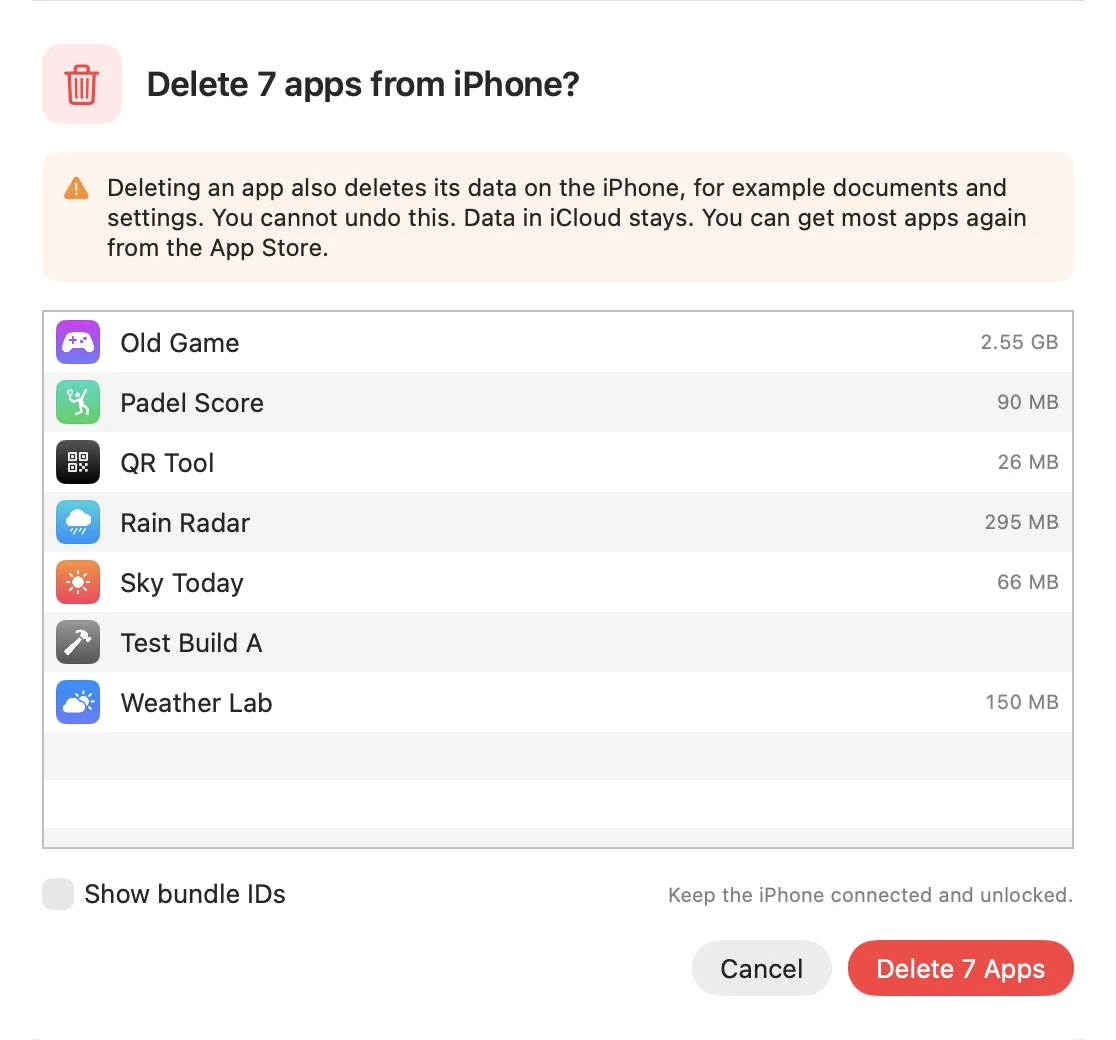
Before anything is deleted, iUninstall shows the exact list of apps, the space that you get back, and a clear note: deleting an app also deletes its data on the iPhone, and data in iCloud stays.
4. One app at a time, with a check after each
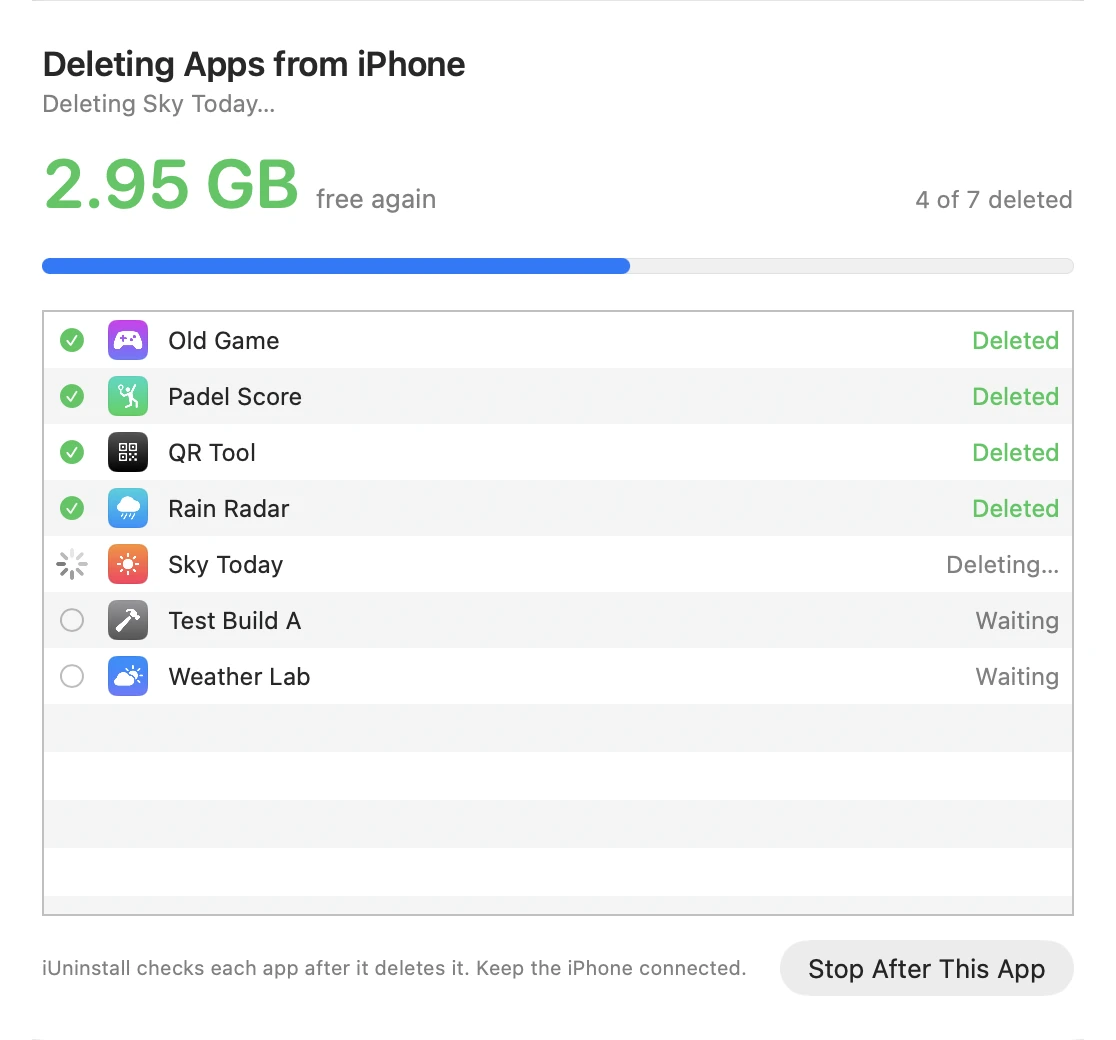
iUninstall sends one request to the iPhone, then reads the app list again to check that the app is gone. Only then does it start the next app. "Deleted" in the list means checked, not hoped. If the iPhone disconnects, iUninstall stops and shows which apps are done and which are not.
5. A record of what you deleted
Each deleted app goes into the History with its name, version, size, and a link to its App Store page, so you can download it again. The History does not restore the data of an app. The History stays on your computer.
Privacy
iUninstall needs no account. Your Screen Time information stays on your Mac. The optional App Store lookup sends only app IDs to Apple, and the license activation contacts Dodo Payments. See the privacy policy.
The scan is free. Deleting costs $9.99, one time.